Invoices matched, validated and posted — with every step visible and auditable
Supplier invoices arrive in dozens of formats. Netfira captures them, matches against purchase orders and goods receipts, validates for tax compliance and tolerance thresholds, routes through approval workflows, and delivers clean posting data to your ERP. Not just invoice capture — the full invoice lifecycle, governed end to end.
The operational reality:
Why invoice processing is harder than it looks
- Does this invoice have a corresponding PO?
- Does the PO match a goods receipt?
- Do the quantities align?
- Are the prices within tolerances?
- Is the tax correctly applied?
- Does the total match the line items?
- Does this invoice require approval before posting?
When any of those checks fail, the invoice enters a resolution cycle. Someone chases a goods receipt. Someone queries a price discrepancy with procurement. Someone escalates for approval. The invoice sits in a queue, the payment window tightens, and the supplier relationship deteriorates. Most AP automation tools solve the capture step and stop. But the matching, validation, approval and resolution steps are where the real cost and risk live.
How Netfira processes Invoices
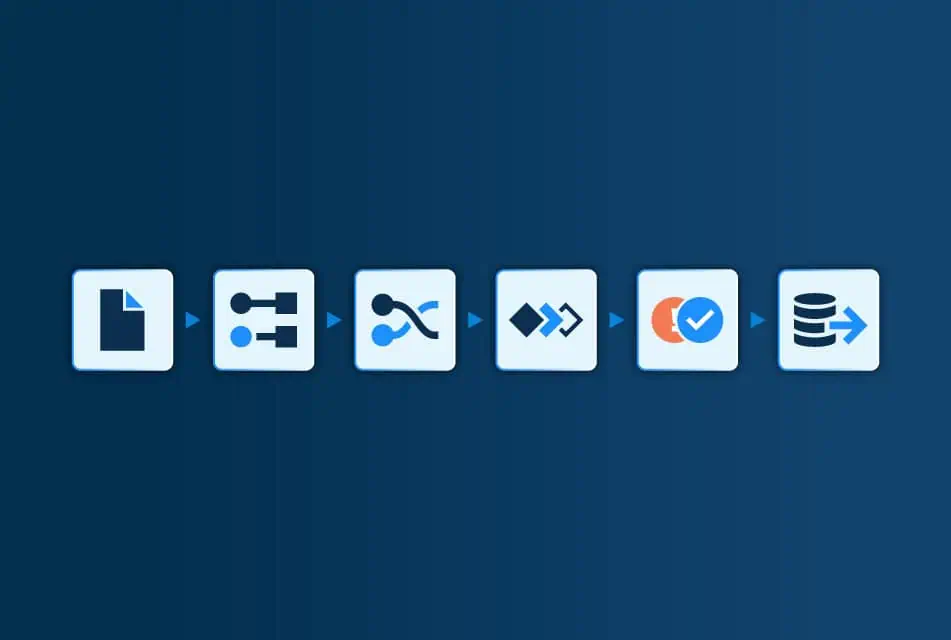
Ingest
Supplier invoices arrive by monitored email, API, SFTP or direct upload. All formats supported — PDF, XML, spreadsheet, scanned documents, EDI. The platform handles format variation per supplier automatically through Connections.
Extract and validate
3-way match
Each invoice line can be matched against the corresponding purchase order and goods receipt. Price, quantity, and value are compared at line item level. Configurable tolerances handle acceptable variances. Partial matching supported for split deliveries and partial invoicing.
Approve and resolve
Matched invoices that pass all thresholds proceed automatically. Invoices with deviations or above value thresholds enter approval workflows routed by department, supplier, value or exception type. The exception workspace provides side-by-side document comparison and guided resolution.
Post
Approved invoices are delivered to your ERP system in the required posting format. GL coding, cost centre assignment, tax code mapping and project code enrichment happen within the workflow — not as manual steps after the fact.
The Hidden Bottleneck in AP Automation: Why Credit Notes Can't Be Ignored
For Accounts Payable leaders, processing credit notes is a routine but often underestimated part of the Procure-to-Pay cycle. Handled manually, credit notes disrupt workflows: they require cross-referencing against original invoices, introduce opportunities for error, and create delays that ripple across reporting, compliance, and supplier relationships. Consequently, credit note automation becomes a central aspect of AP automation.
Key capabilities for processing Invoices reliably
3-way matching at line item level
Tax validation
Tax calculations are verified against applicable rates. Tax code mapping ensures the correct treatment in the ERP. It catches common errors — incorrect rates, missing tax IDs, misapplied reverse-charge rules — before posting.
Approval workflows with value thresholds
Configurable approval routing based on invoice value, deviation type, supplier, cost centre, or any other attribute. Multi-level approvals for high-value invoices. Full audit trail of who approved what, when, and why.
GL coding and cost centre enrichment
Invoices are enriched with GL codes, cost centres, project codes and other reference data as part of the workflow. The ERP system receives a complete posting record, not raw invoice data that requires manual enrichment.
What changes when Invoice processing is automated
When order invoices are automated, your team spends less time checking and chasing — and gains earlier visibility, cleaner data and more reliable execution.
Invoice data manually matched to Purchase Order and Goods Reciept
Automated 3-way matching at line item level with tolerances
Tax errors caught at audit, months later
Tax validation at point of capture
Approval routing via email forwarding
Automated approval workflows with audit trail
GL coding done manually after invoice capture
GL codes, cost centres and project codes enriched in-flow
Payment delays from unresolved exceptions
Exceptions surface immediately with guided resolution
Limited visibility into AP pipeline
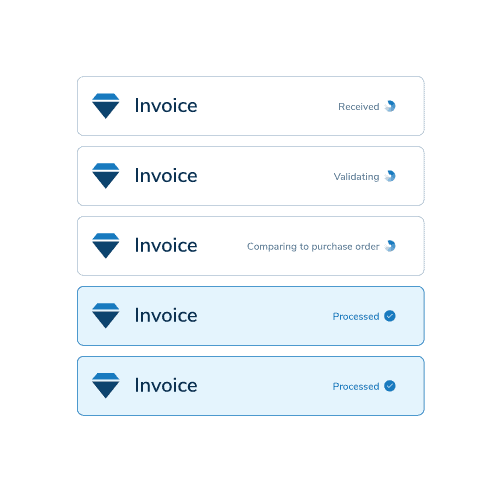
Dashboard view of invoice status: captured, matched, pending, approved, posted
Product Demonstration: Invoice processing with the Netfira Platform
Explore how Netfira manages invoice processing in our detailed demonstration of the Netfira Platform. This video will guide you through the functionality of our platform, showing you how it automates the extraction, processing and integration of invoice data into your existing systems.
Related flows
Invioices rarely exist in isolation. Netfira helps teams automate the connected document flows around them — reducing manual work, improving data continuity and creating more reliable end-to-end operations.